Experience crystal-clear sound
with Bluetooth hearing aids
perfect for phone calls and watching

How does Bluetooth enable clear sound streaming with hearing aids?

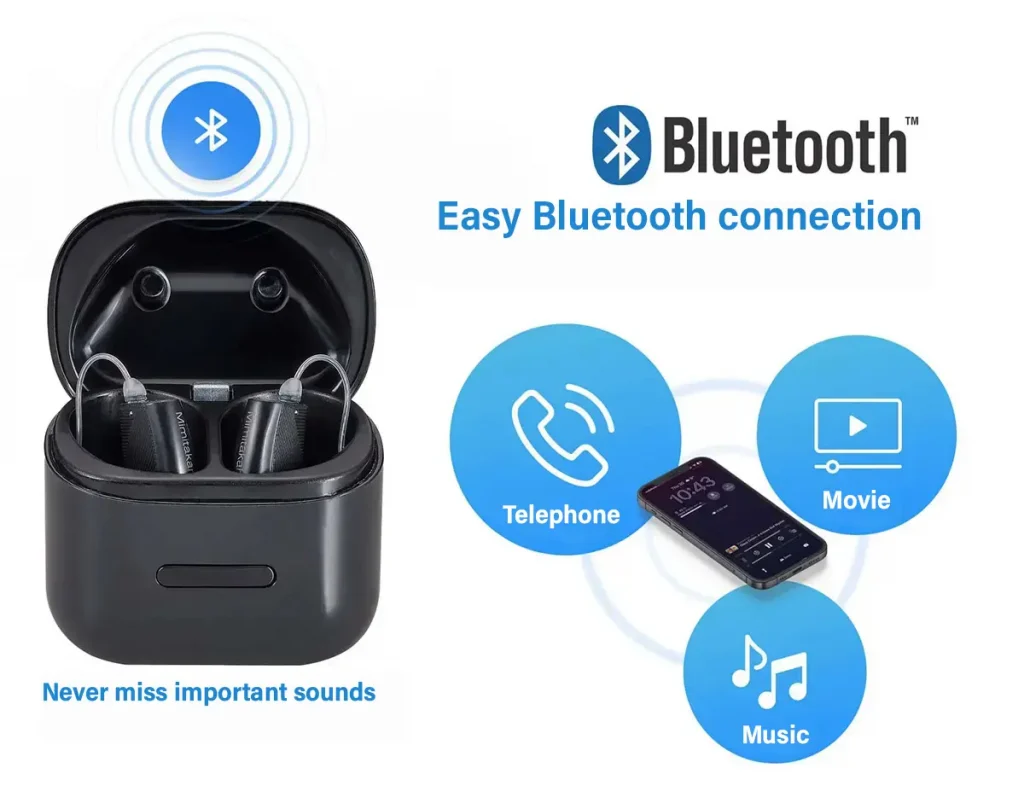
Many modern hearing aid models support Bluetooth, allowing audio to be streamed directly from various devices—such as smartphones, TVs, laptops, or tablets—straight to your hearing aids with ease.

Turn your hearing aids into smart wireless earphones
Enjoy every conversation and entertainment effortlessly with Bluetooth connectivity.

Connection TypeSupported DevicesHow to ConnectSample Video
ASHA6SFSettings > Bluetooth > Select ASHA devicehttps://youtu.be/aK9yjqyQWtU?si=R8RZQUCc1Kkgd9GE
MFiSignia PureSignia MotiongoHearing R1 / R2 / R3Settings > Accessibility > Hearing Devices > Select MFi device > Pairhttps://youtube.com/shorts/1io3tz57qiM?si=lbAb_rLa59rBtrkr
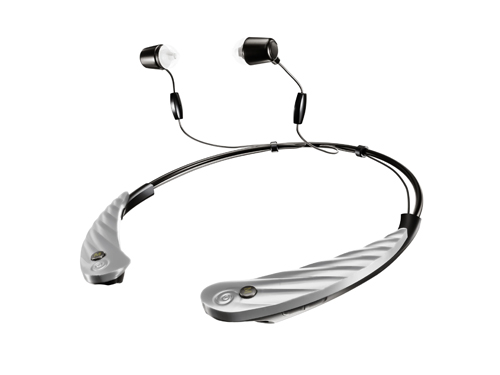
Bluetooth ClassicgoodHearing T1 / T2 / T3 / A1 / P2Settings > Bluetooth > Pairinghttps://youtu.be/TWkwETjw124?si=lyBUlpquB3Cid0Cw
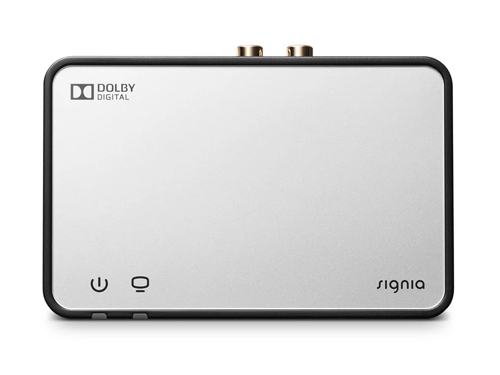
StreamLine Mic / StreamLine TVSignia PureSignia MotionSettings > Bluetooth > Select StreamLine Mic > Pair, then turn on the hearing aidsConnect StreamLine TV to the TV > Place the hearing aids on the StreamLine TV to pair > Open the Signia app and tap the streaming buttonhttps://youtube.com/shorts/e5ZlGAAFcZ0?si=AWmD3i8U6n4z7_C6https://youtube.com/shorts/mZ2Gh57CxqA?si=CdIwkgUn48M96OQn

ASHA (Audio Streaming for Hearing Aids)

It is an audio streaming standard designed specifically for hearing aids on Android phones, allowing you to connect and stream sound directly from your phone to your hearing aids without the need for additional accessories.

How to connect Bluetooth on an Android phone to hearing aids:

Go to Settings > Bluetooth > Select your hearing aids > Tap Connect.

For Android users who want a convenient way to connect their hearing aids directly to their phone, we recommend…

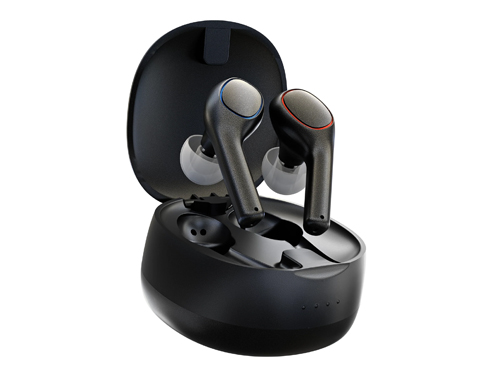
Rechargeable Digital In-Ear Hearing Aid, 16 Channels, Model 6SF

Cutting-edge hearing aid with ASHA support!

6SF is an Instant Fit hearing aid that supports ASHA, allowing you to:
✅ Easily connect to Android smartphones
✅ Stream clear audio directly without any intermediary device
✅ Enjoy a compact, comfortable design with no ear impression required

Upgrade your listening experience with 6SF and ASHA—make phone calls, watch videos, and listen to music anytime, anywhere.

MFi (Made for iPhone) is a technology designed for audio streaming specifically for iPhone users.

MFi is an Apple standard designed to allow hearing aids to connect directly with iOS devices such as iPhone and iPad, enabling seamless audio streaming from the phone to the hearing aids without the need for additional accessories.

How to connect MFi with hearing aids

Go to Settings → Accessibility → Hearing Devices → tap to connect the MFi hearing device (Pair).

If you use an iPhone and want hearing aids that connect and stream audio seamlessly, MFi-compatible Signia hearing aids are the best choice, allowing you to enjoy clear, high-quality sound throughout the day.

✅ Stream audio directly from iPhone / iPad
✅ Clear, crisp, and natural sound quality
✅ Easily adjust settings via the Signia app on iOS

✅ Supports hands-free calling (selected models) – answer and talk on calls without holding your phone

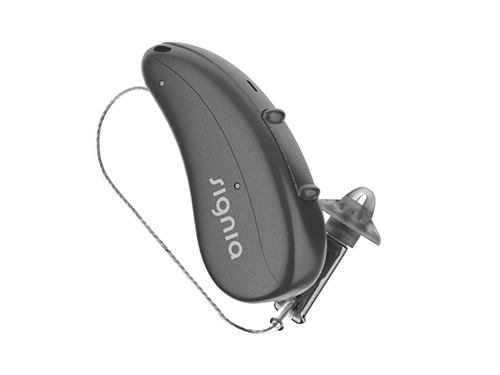
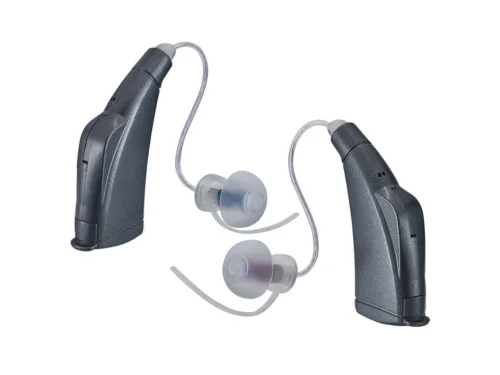
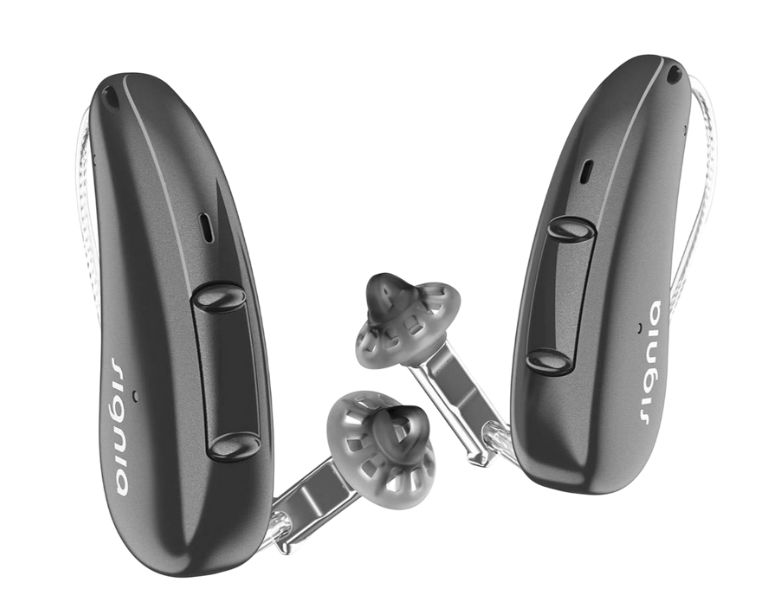
Signia Pure Charge&Go AX
Receiver-in-Canal (RIC) type

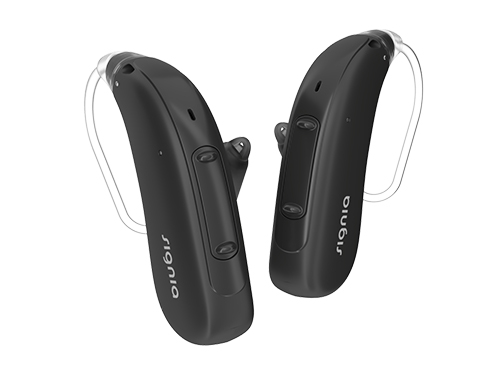
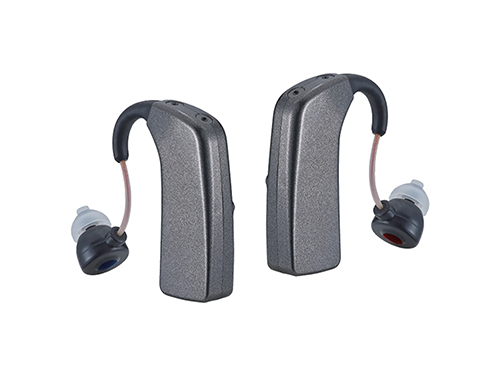
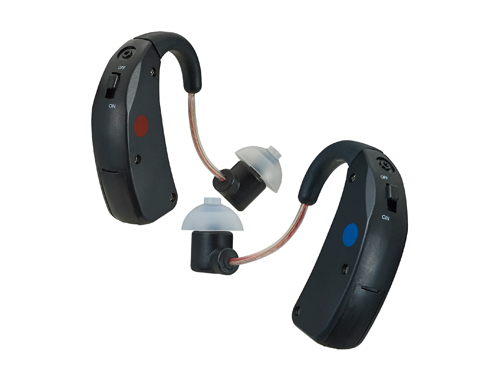
Signia Motion Charge&Go X
Digital Behind-the-Ear (BTE) hearing aid

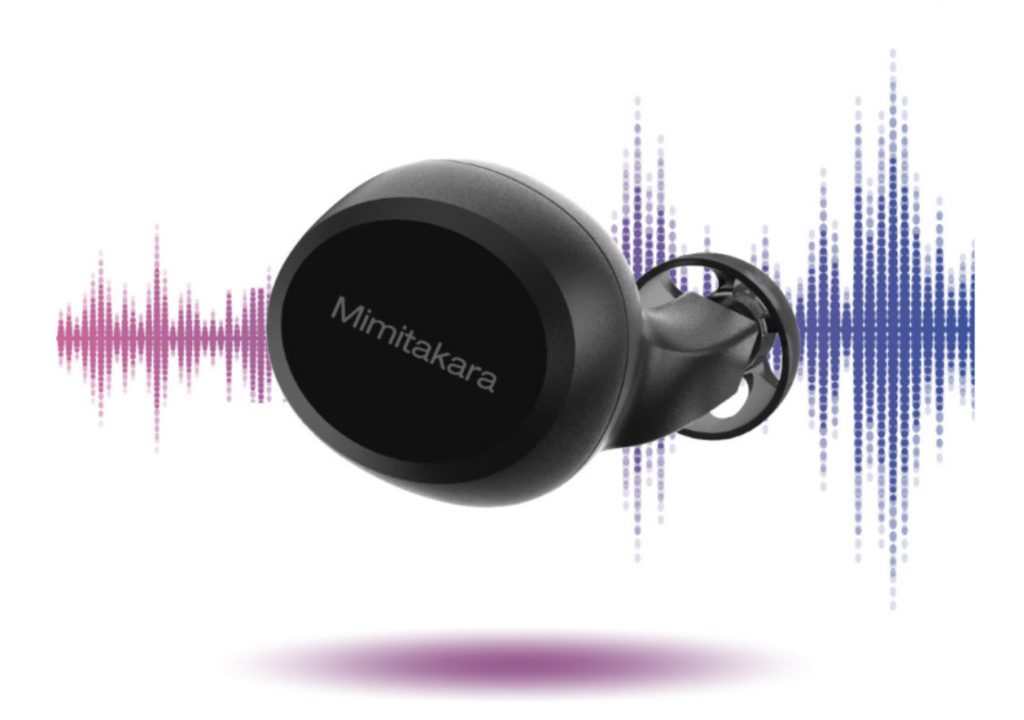
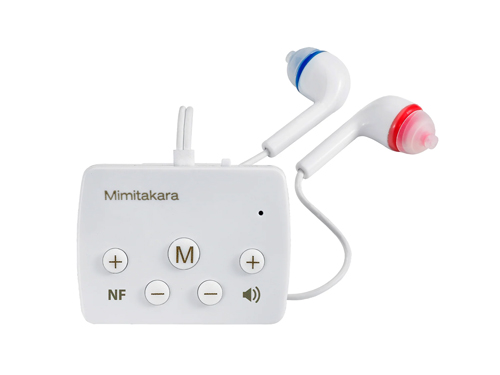
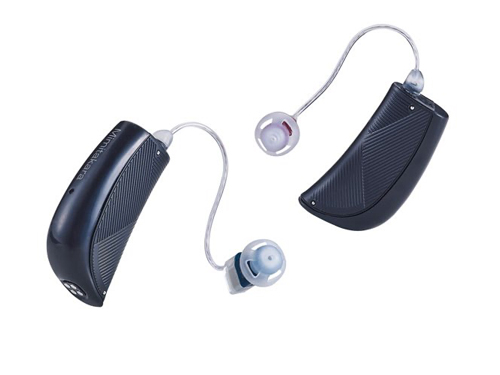
Mimitakara hearing aids that support MFi

MFi digital hearing aids connect instantly to iPhone using MFi technology, feature external noise reduction, are compact and portable, and include energy-efficient software for long-lasting continuous use.

Mimitakara R1

Mimitakara R2

Mimitakara R3

✨ Choose MFi-compatible hearing aids for a superior listening experience!

Enhance your Bluetooth connectivity with Goodhearing series hearing aids!

Compatible with both iOS and Android systems.

Goodhearing T1

Goodhearing T3

Goodhearing A1

Goodhearing P2

Goodhearing 6EF

Bluetooth connectivity accessories?

In addition to hearing aids that support MFi and Bluetooth, you can enhance your listening experience with accessories—whether for clearer conversations in noisy environments or lag-free TV viewing, delivering crisp sound without the need to turn up the volume.


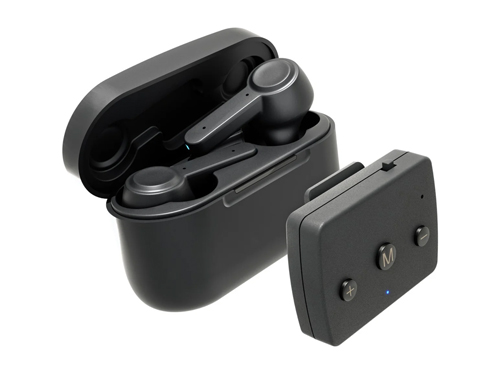
Signia StreamLine TV 

Signia Pure

Signia Motion

How to connect

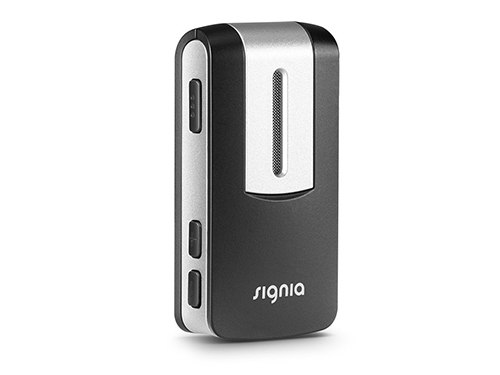
Signia StreamLine Mic lets you watch movies, listen to music, and make phone calls, with a remote microphone function.

  • A wireless accessory for Signia hearing aids that enhances conversation sound.
  • Can be used as a remote microphone in noisy environments.
  • Functions as a hands-free Bluetooth headset for phone calls.

✨ Connect to the world of sound with greater clarity—whether you’re making phone calls, watching TV, or listening from a distance ✨

Comparison table of each connection type

FeatureASHAMFiBluetooth ClassicAccessories
StabilityHighHighMediumHigh
Supported SystemsAndroid onlyiOS onlyiOS / AndroidAll systems
Audio LatencyVery lowVery lowMediumVery low
Sound QualityMaximum clarityMaximum clarityMediumMaximum clarity
Requires AccessoriesNot requiredNot requiredNot requiredRequired

Guidance provided by specialized experts.

Call 02-115-0568 to book an appointment.

Expert consultation services are available to help reduce risky behaviors that may lead to hearing loss and provide guidance on proper ear canal care. If you are interested in a hearing test or hearing aids, feel free to contact Digibionic. We are ready to assist you at all branches.

We now have 9 branches open across Bangkok.

Digibionic Thailand

● Chatuchak
● Pom Prap Sattru Phai
● Phaya Thai
● Bang Kapi
● Bang Na
● Phasi Charoen
● Rangsit
● Bangyai
● Pattaya

Interesting articles.

New Hearing Aid Service Center 2025.

The latest model Hearing Aid Service Center of 2025. The newest hearing aids with excellent quality and service.

How to choose Signia hearing aids?

Expensive hearing aids come with many features, but they may not be the right choice for you!

What else should we consider besides the price?

With the continuous development of hearing aid technology, it has led to improved sound quality…

เราใช้คุกกี้เพื่อพัฒนาประสิทธิภาพ และประสบการณ์ที่ดีในการใช้เว็บไซต์ของคุณ คุณสามารถศึกษารายละเอียดได้ที่ นโยบายความเป็นส่วนตัว และสามารถจัดการความเป็นส่วนตัวเองได้ของคุณได้เองโดยคลิกที่ ตั้งค่า

Privacy Preferences

คุณสามารถเลือกการตั้งค่าคุกกี้โดยเปิด/ปิด คุกกี้ในแต่ละประเภทได้ตามความต้องการ ยกเว้น คุกกี้ที่จำเป็น

Allow All
Manage Consent Preferences
  • Always Active

Save